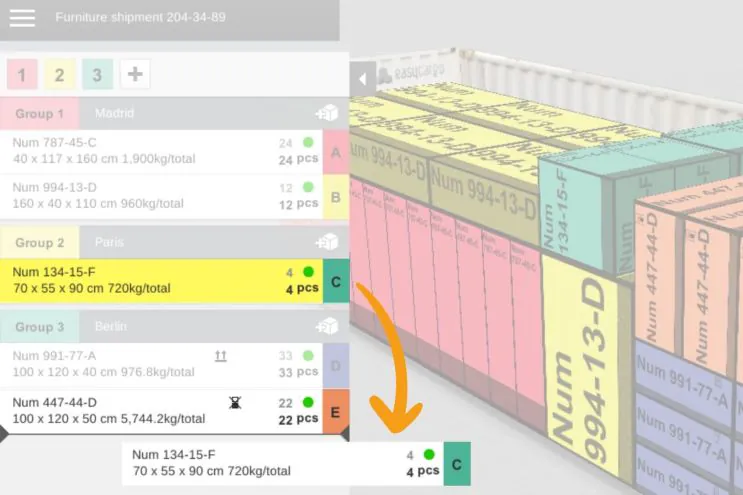
Working with loaded cargo spaces just got smoother and more intuitive. Our latest updates bring instant weight recalculation, direct box renaming, flexible drag-and-drop movements, and dynamic group management. This is all in real-time as you work within the cargo space.

We've introduced new capabilities for item reorganizing and managing priority groups with automatic color-coding and numbering.

More

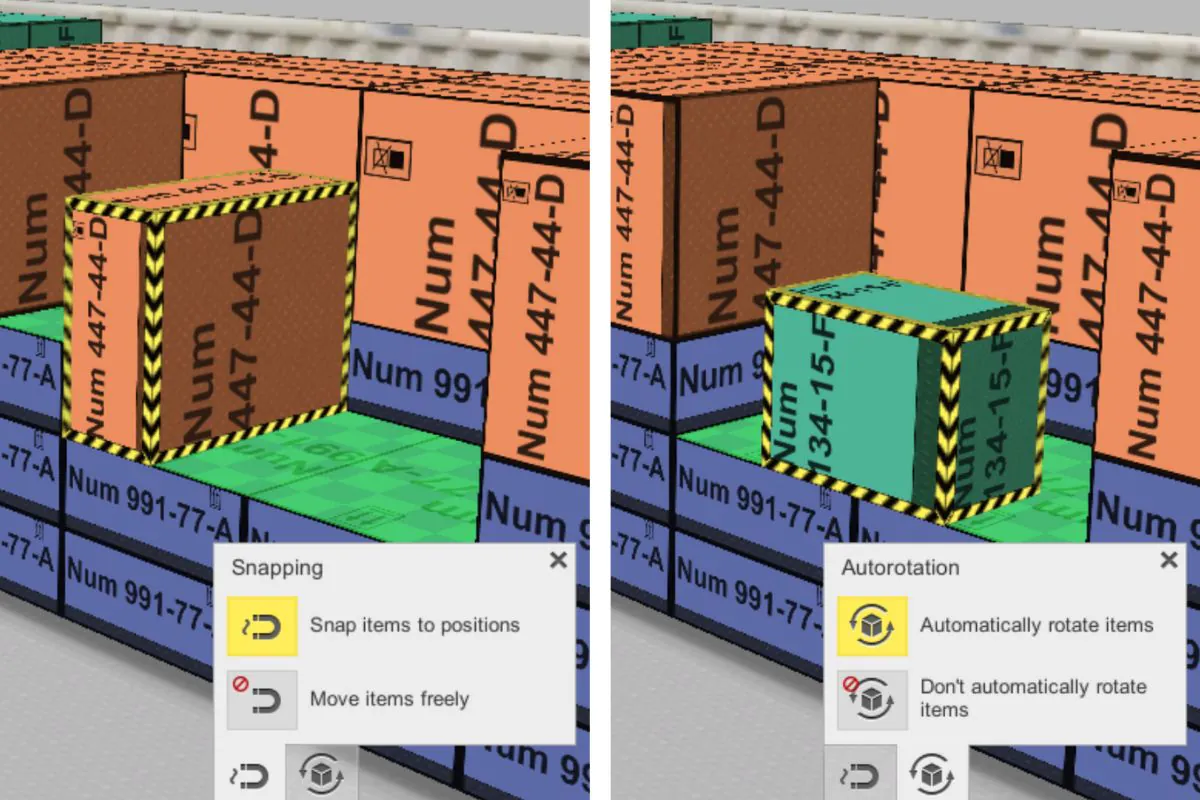
In the latest version of EasyCargo, we’ve introduced two exciting changes for manual loading. First, you can start loading manually right from the beginning, without using the automated calculations. Second, you can choose whether items will automatically rotate and snap to each other or be placed freely during the manual loading process.


More

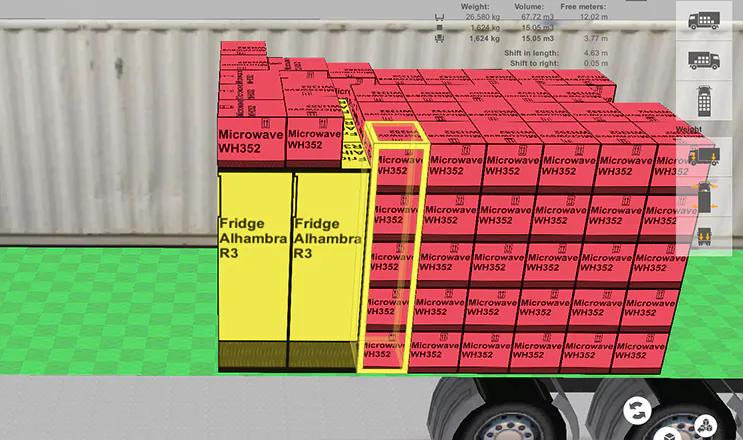
Multi-pickup: handle multiple items at once John Carpenter | 11 Jun 2024

We have further improvements to EasyCargo that will make your work even easier and faster. It's no news that in EasyCargo, you have the option to manually adjust individual items within the load planning process. You can move items from place to place, rotate them, or remove them from the load planning compartment. 


More

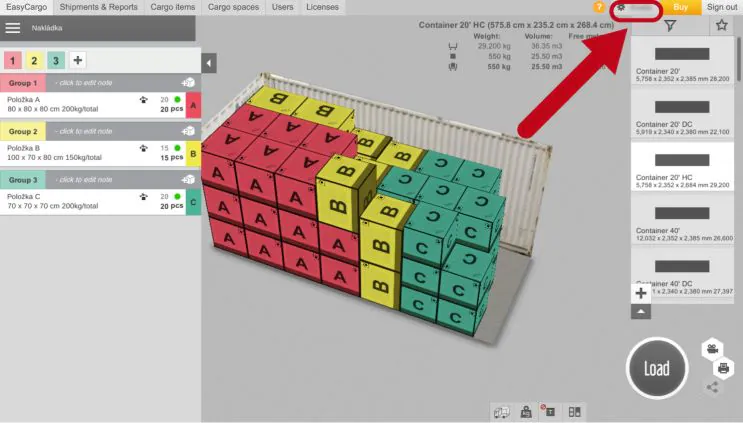
Personalize your mouse speed and zooming John Carpenter | 27 May 2024

Do you use a MacBook or touchpad to work with EasyCargo? Then this new functionality will make your work much more enjoyable. In the EasyCargo app, you can view your 3D load planning from all sides, zoom in, and manipulate individual items at your will. If you have used this feature, you probably know that the controls used to be very sensitive on some platforms and it was not always easy to get the exact view you needed.

That's why we've added the ability to adjust the zoom speed and mouse movement speed. This allows each user to customize the controls exactly as they see fit.

More

Add your company logo to your print reports John Carpenter | 2 Nov 2023

If you send your loading documents to other business partners, then you'll find the new functionality we've added to the software useful. You can now add your company logo to your reports and make your documents become company materials.

To insert your logo, you need to edit your company profile. You can get there via the profile tab located in the top right corner.

More

Plan Shipments With Open-Top and Flat-Rack Containers Martina Krupičková | 30 May 2023

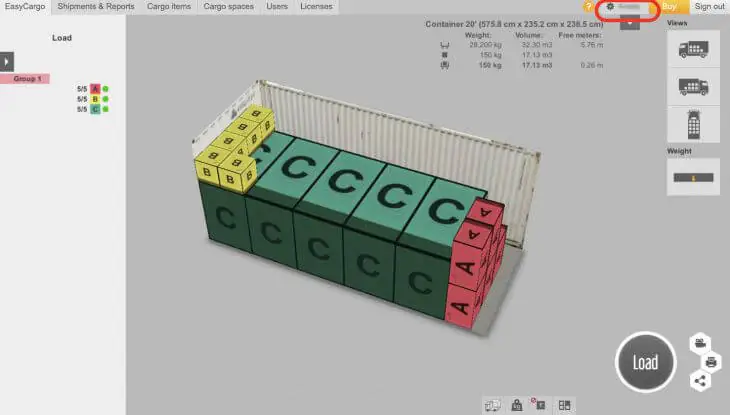
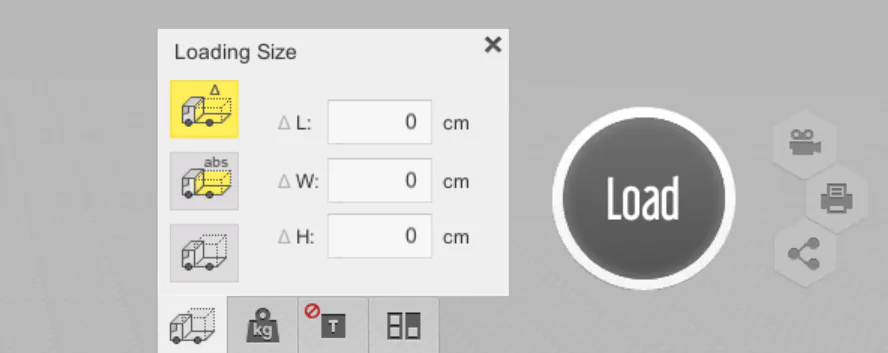
While you won’t find open-top and flat-rack containers directly in EasyCargo’s list of predefined cargo spaces, EasyCargo makes it easy to simulate both container types using a custom setup. With just a few clicks, you can load cargo that exceeds standard closed container dimensions and visualize the result in 3D.

There are two ways to adjust the dimensions to load open-top and flat-rack containers:

More

New functionality: automatic archiving of shipments Martina Krupičková | 9 Mar 2023

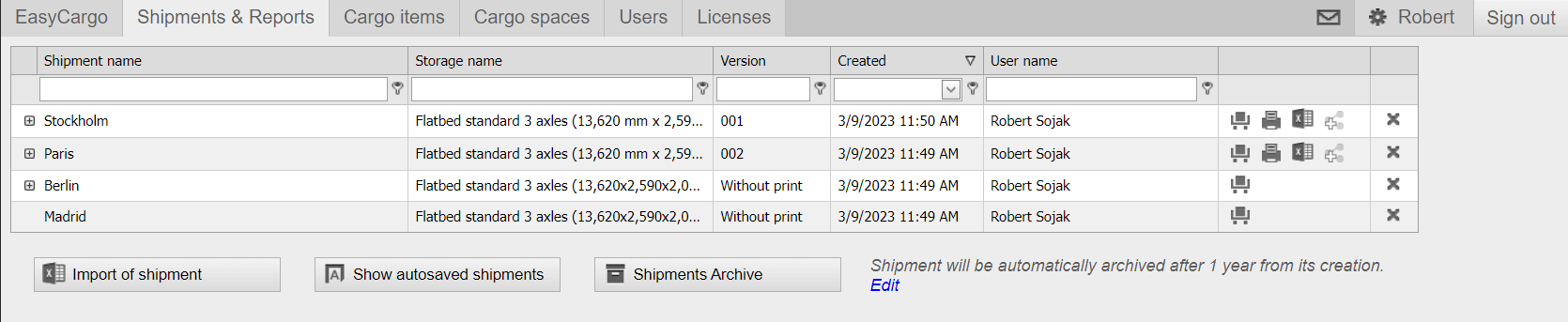
We've added new functionality to the EasyCargo load planning software that allows you to automatically archive all of your shipments and it will come in handy if you have hundreds of them in the Shipments and Reports tab that you can't keep track of anymore.

Therefore, you can access your Shipments Archive via the Shipments and Reports tab. You will find the button at the bottom of the table behind the Import of shipment and Show Autosaved Shipments options.

More

“Step-by-step” loading now with a legend Martina Krupičková | 14 Dec 2022

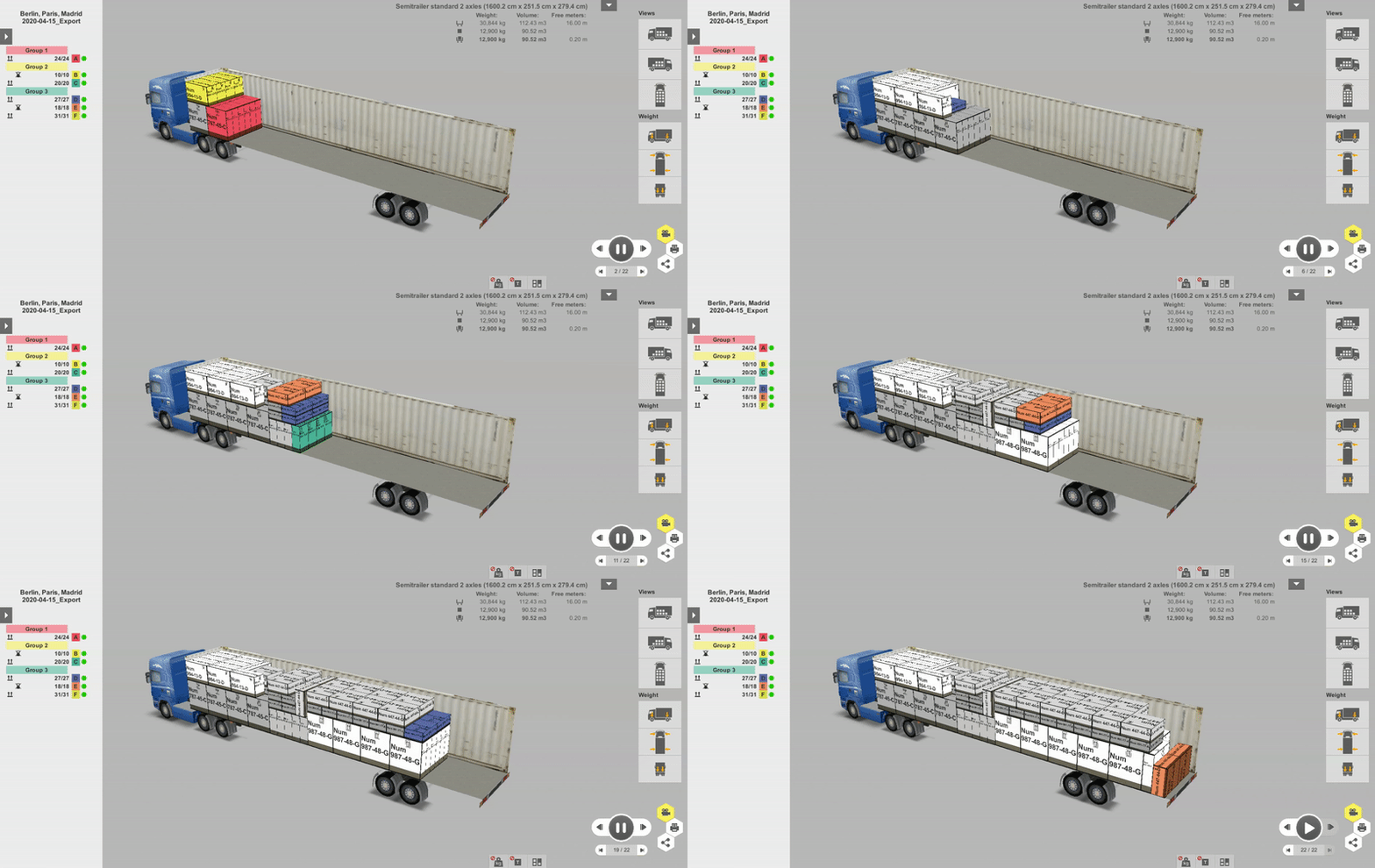
From now on, you will know which items to load in which quantity and in which step. We've added a legend to the app so you can easily organize each step of the loading process. How does this improvement differ from the “step-by-step” loading report we wrote about in this article? You will find out in the next lines.

As you may already know, the “step-by-step” loading report lets you know the order in which the items are placed in the cargo hold. You can follow the loading process directly in the app using an animation. Simply create a loading procedure and click on the video icon to start the animation.

More